
Changing the name or first name associated with a Turkish Airlines ticket after starting online check-in may seem trivial. The reality is more technical: the automatic validation system compares the entered data with that of the travel document, and even the slightest discrepancy blocks the process. Travelers who hold dual nationality or whose passport has recently expired often face error messages that can be difficult to interpret.
Biographical inconsistencies and dual nationality: what the Turkish Airlines system detects
The Turkish Airlines online check-in form requires that the name, first name, and date of birth match exactly the information recorded in the reservation. For a traveler holding two passports, the problem arises when the reservation was made with one document and check-in is attempted with another.
A French passport may indicate “Jean-Pierre Dupont,” while a Moroccan or Turkish passport may show “Janpiyer Dupont” in transliteration. The system refuses check-in as soon as a single character differs. Accents, hyphens, and letters specific to certain Latin alphabets (ç, ö, ü) pose recurring difficulties.
Since early 2025, user reports on forums like Reddit and FlyerTalk have shown an increase in blocks related to the automatic validation of names with special characters. The Transport Regulatory Authority has also noted these digital malfunctions in its quarterly report from April 2025.
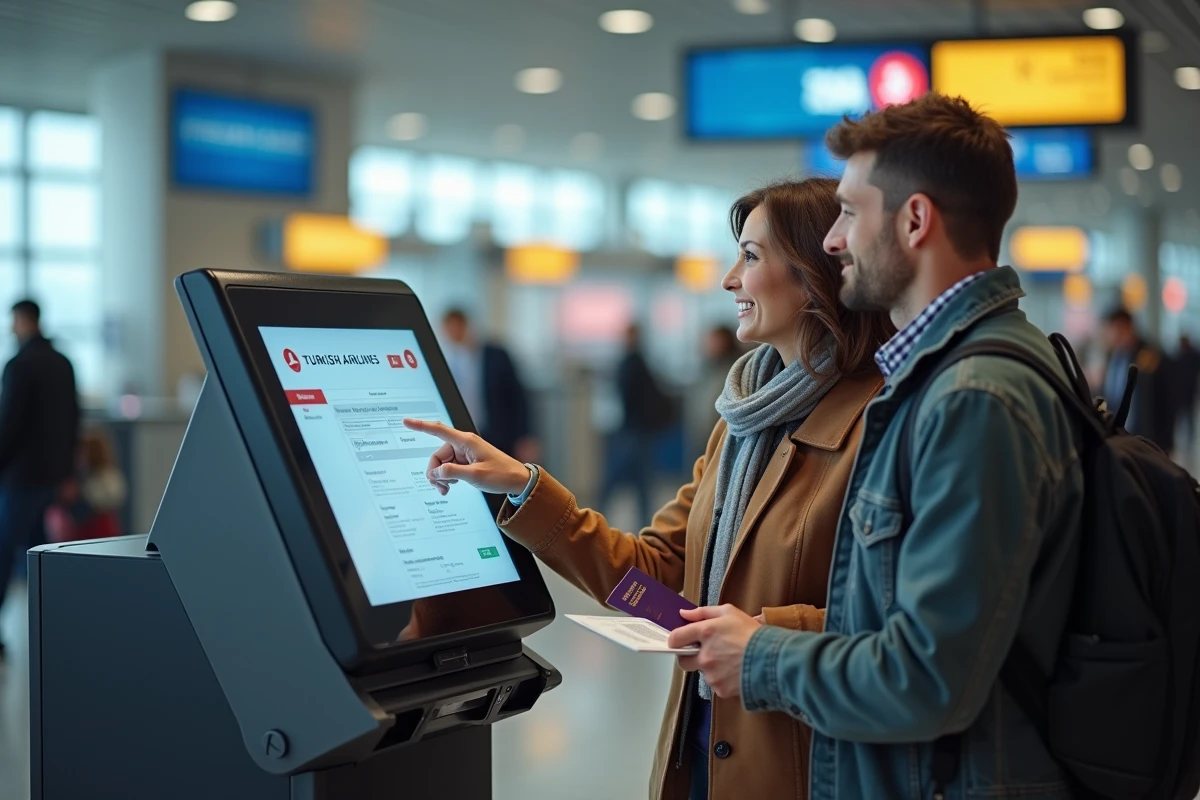
For those preparing their online check-in with Turkish Airlines, checking in advance the consistency between the passport used and the reservation data avoids most of these blocks.
Correction of name or first name on a Turkish Airlines ticket: real margins for maneuver
Turkish Airlines distinguishes two situations. A minor typo (letter inversion, missing accent) can be corrected via the “Manage my reservation” section of the website or mobile app. A more significant change, such as a change of surname after marriage or a different first name between two passports, requires contacting customer service or visiting an agency.

The free correction is generally limited to three characters. Beyond that, Turkish Airlines applies fees that vary depending on the route and fare class. The exact amount is not published in a standardized way and depends on the ticket issuing office.
Mobile app or desktop site: different results
The Turkish Airlines mobile app, updated to version 3.2 in February 2026, has significantly reduced validation failures compared to desktop versions, according to aggregated feedback on Trustpilot. The mobile version handles accented characters better and offers correction suggestions before definitively blocking the process.
The desktop site remains more rigid. If the system refuses the modification, no message specifies the exact nature of the error. The traveler sees a generic refusal and must guess which field is problematic.
Recently expired passport: why check-in blocks even with a new document
Renewing a passport a few days before a flight creates a tricky situation. The reservation contains the number of the old passport, its expiration date, and sometimes the issuing country. During online check-in, the system compares this data with what is entered. A new passport, even with the same name, has a different number and a new issue date.
Updating the passport number in the reservation before opening check-in is the only reliable solution. This update is done from “Manage my reservation” by entering the data from the new document. However, if online check-in has already been opened with the old data, it may sometimes be necessary to cancel the check-in and then restart it after correction.
The available data does not confirm whether this cancellation and restart works systematically on all routes. Several testimonies on forums indicate that some flights to destinations requiring an electronic visa (Turkey, United States via ESTA) block more strictly, as the system also checks the validity of the document against the entry requirements of the destination country.
Checklist before starting check-in
- Check that the name and first name in the reservation match character by character the passport used for travel, including hyphens and accents.
- Update the passport number in “Manage my reservation” if the document has been renewed since the ticket was purchased.
- For dual nationals, choose a single passport for the entire journey and ensure that the reservation reflects this choice.
- Prefer the mobile app for check-in, as its handling of special characters is more flexible than the desktop site.
Deadlines and recourse when modification is refused online
Online check-in generally opens 24 hours before departure. This timeframe leaves little room to resolve a block. The Turkish Airlines telephone customer service remains the main recourse, but wait times vary significantly depending on the period.
Going directly to the check-in counter at the airport allows most data inconsistencies to be resolved, provided both passports are brought (in the case of dual nationality) or the old and new documents. The staff at the counter have correction tools that the online system does not offer.
The European regulation on passenger rights does not specifically cover input errors during check-in. Responsibility remains shared between the traveler, who must provide accurate data, and the airline, whose system must correctly process standard Latin characters. The European Union published guidelines in March 2026 on the interoperability of reservation systems, but their concrete application by airlines takes time.
A ticket booked through an online agency adds a layer of complexity. Some third-party platforms do not transmit passport modifications to Turkish Airlines in real-time. Checking directly on the airline’s website that the reservation displays the correct data remains the most effective precaution, regardless of the initial purchase channel.