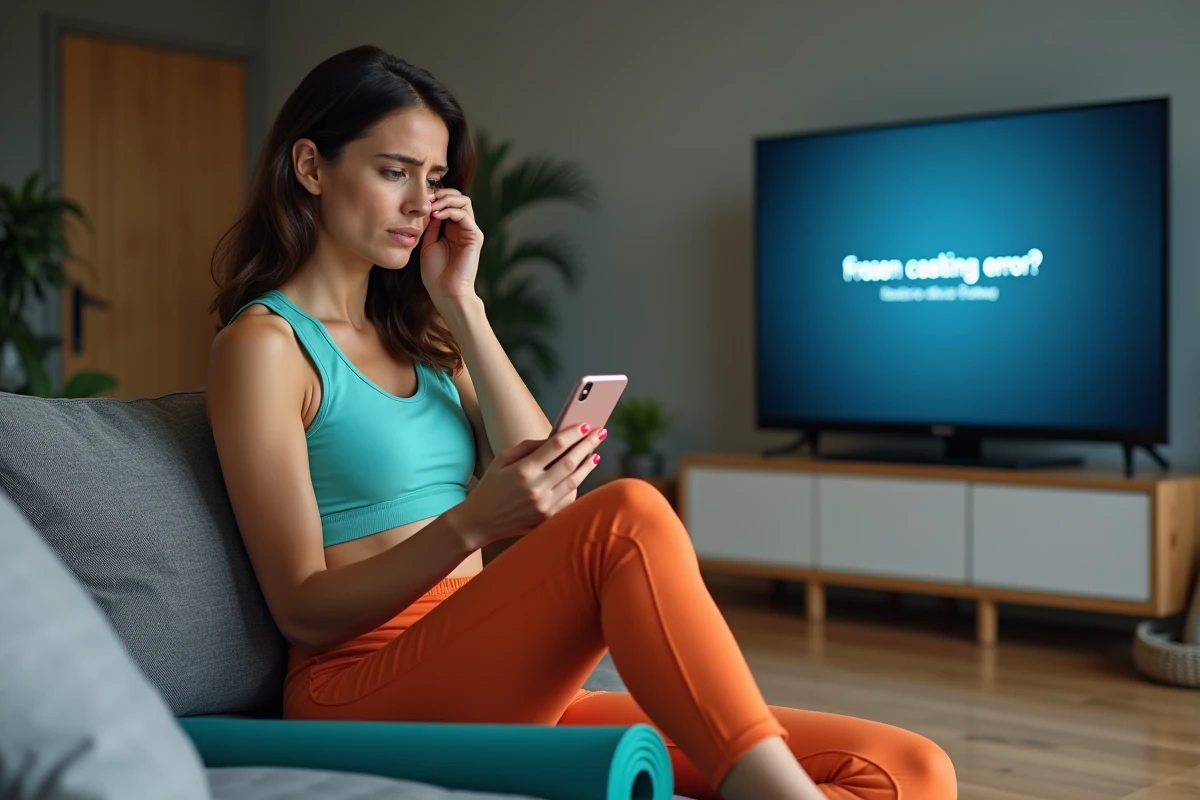
Limiting the broadcast of a session on a big screen is no trivial matter: it’s a technical choice that can ruin the experience for hundreds of users overnight. Basic-Fit, like others, adapts its screen sharing policy without warning, sometimes leaving athletes in a bind.
However, there are several ways to regain some comfort or bypass these blocks. It all depends on the available equipment and the flexibility of competing platforms, which fully embrace simplicity for home workouts.
When the Basic-Fit app refuses to cast: why does this happen and how to react?
Casting a Basic-Fit session to your television seems obvious: who would refuse better visibility for their exercises? Yet, the technical reality often intrudes without mercy. Many users find themselves perplexed by the disappearance of the cast button or repeated failures with Chromecast or AirPlay. These malfunctions are far from isolated. They reflect technical choices made by the Basic-Fit app, sometimes disconnected from the expectations of their members. The heart of the problem lies in the management of broadcasting rights and system compatibility. A brand new Android smartphone, poorly synchronized with the latest version of the app, can encounter locks. A poorly configured wifi network or a guest mode often prevents communication between the mobile device and the TV. According to feedback, here are the most frequently encountered situations:
- The Basic cast button no longer appears or remains inactive
- An error message appears with every attempt to connect to a Chromecast
- The video does not launch on the television or a black screen appears without explanation
What to do when the Basic-Fit app doesn’t work to view your exercises on the big screen? First, check the settings of your smartphone and Google Chromecast, perform a restart, and ensure that everyone is connected to the same wifi network. Also, remember to update the app: even the slightest outdated version can block everything. The site ‘Here’s how to cast Basic-Fit – Les Héros du Sport’ details step by step the actions to test to unblock the situation. The increase in mobile usage requires real attention to software versions and network configuration. Clubs and users expect smooth solutions that do not hinder access to their exercise series. In case of blockage, technical responsiveness and listening to user feedback remain the only true levers to move things forward.
Install and use Basic-Fit without hassle: the steps that make a difference
The Basic-Fit app has become essential for those who want to manage their fitness sessions seamlessly, both in the club and at home. But the promise of simplicity comes with a few precautions right from the installation on Android or iOS.
First step: download the mobile app from the Play Store or App Store, then accept the requested permissions to access all training programs and enjoy personalized tracking. Careful registration ensures the receipt of notifications, valuable tools for managing your workouts and regularly discovering new exercises that match your desires.
Next, ensure that the internet connection is stable and that the app remains up to date. To see all the sessions, synchronization with the club account may be necessary; otherwise, some programs or time slot reservations may be hidden.
Here are some habits to adopt to avoid unpleasant surprises:
- Properly set notifications so you never miss a new feature or workout reminder
- Access the integrated support in case of a bug or technical question
- Enable geolocation to quickly locate clubs available for booking for your training sessions
Ease of use depends on regular attention to updates and compatibility with all devices. Basic-Fit then adjusts its services according to the context, so that each session of sport is truly personalized and seamless.
The best fitness apps for working out at home, even when casting bugs
Sometimes, the screen remains desperately silent, the Chromecast refuses any dialogue, and the app gets stuck. However, there’s no question of letting motivation dwindle. Other digital tools allow for continuous physical activity, turning your living room or bedroom into an improvised gym.
Fitness apps compete in simplicity and offer a wide variety of video exercises. Targeted workout programming, lifestyle tips, tracking of calories burned: whether you’re aiming for yoga fitness, core strength, flexibility, or muscle strengthening, access is possible without sophisticated equipment. For fans of smartwatches, synchronization provides precise data on the body zones engaged, heart rate, or weekly progress.
Here’s how to make the most of these alternative apps:
- Browse programs suitable for every level, from beginner to advanced
- Choose short and dynamic sessions, tailored for tight schedules
- Rely on reminders to establish lasting regularity without pressure
Smartphones, tablets, or computers then become personalized coaches. Fitness apps multiply content: gentle yoga, intensive strength training, mobility, or relaxation, it all comes into play. Instant access to video exercises and the ability to target specific body zones offer continuous progression, even without resorting to casting.
When technology blocks, creativity takes over: the session then depends only on your determination, not on a reluctant screen.